Editor's shortlist
LaserPecker Review
Hands-on perspective on LaserPecker's portable laser engravers: lineup, real-world value, and what to weigh before you buy.
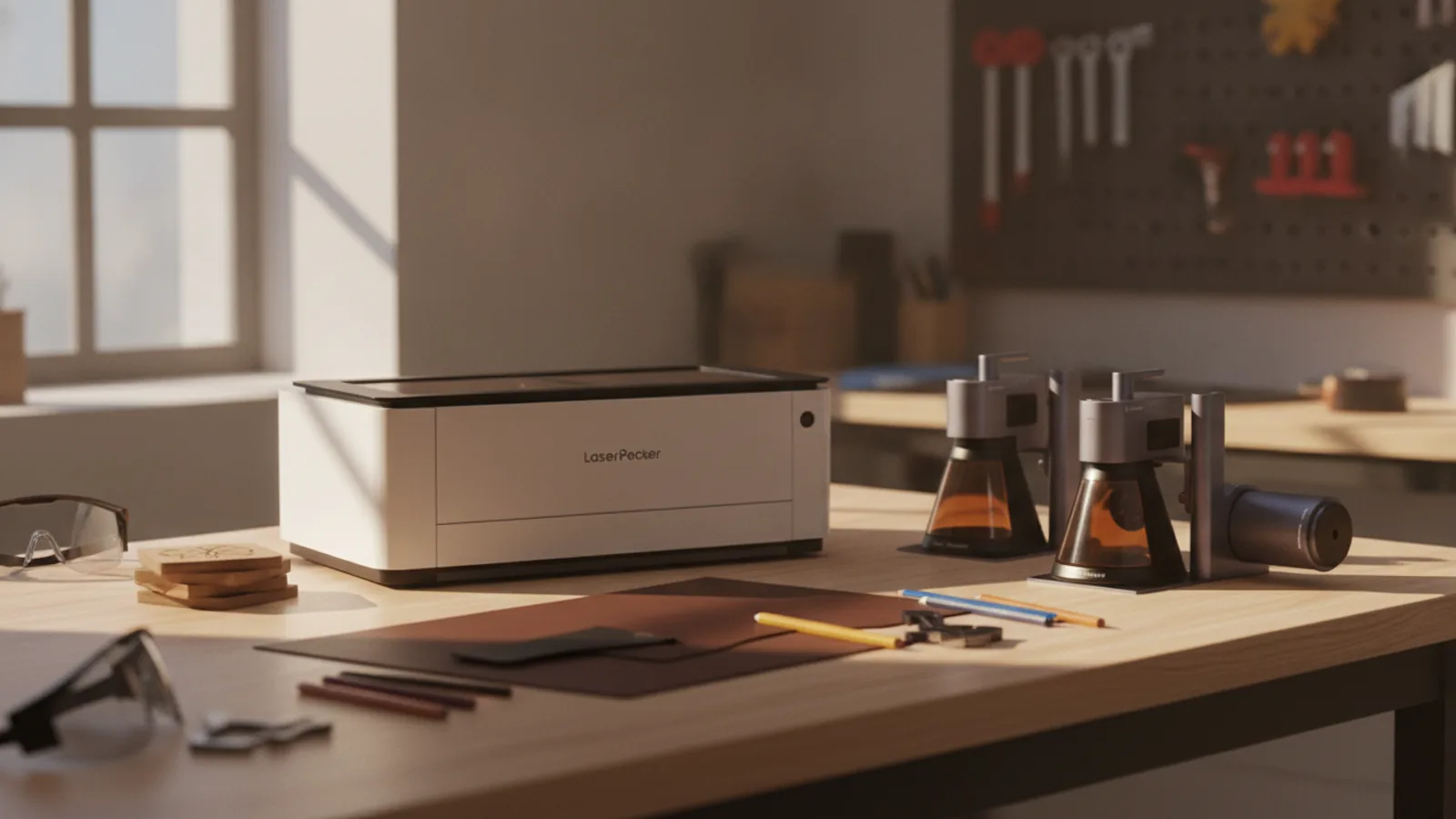
LaserPecker at a Glance
LaserPecker is a brand that has carved out a niche in the DIY and maker community with its portable laser engraving and cutting machines. Unlike traditional desktop laser cutters that require significant space and ventilation, LaserPecker’s lineup is designed to be compact, lightweight, and approachable for hobbyists and small business owners alike.
From the entry-level LP1 Plus to the top-tier LP5 and LX2 models, LaserPecker offers a range of options that differ in power, speed, and versatility. Each unit connects to a mobile app or desktop software, enabling you to design and send projects wirelessly. The machines are built for tasks like engraving on wood, acrylic, leather, stone, and even metal with certain models.
If you’re searching for a way to add personalized touches to products, create promotional items, or start a small engraving side hustle, LaserPecker is likely a name you’ve encountered. This review unpacks what makes the range worth considering, where the models diverge, and what you should check before committing.
Expert Verdict
LaserPecker delivers on its promise of portability without demanding a workshop. For beginners and creators who want a low-friction entry into laser engraving, the compact form factor and app-driven workflow are genuinely refreshing.
However, the trade-off is inevitably power and engraving area. Desktop machines in a similar price range often offer larger workbeds and faster engraving, but they can’t match the convenience of picking up a small device and using it on a desk or kitchen table.
Our verdict: LaserPecker is a standout choice for on-the-go engraving, gift personalization, jewelry marking, and small-batch production. If your plans involve large-format signs or heavy-duty cutting, you may outgrow it. But for most DIY crafters and small Etsy sellers, the LP4 or LP5 could be worth every penny.
What Is LaserPecker?
LaserPecker is a brand that specializes in portable laser engravers and cutters. It’s a popular option for hobbyists who want to engrave logos, text, and intricate designs onto various materials without the steep learning curve of industrial machines.
The brand offers multiple models positioned at different price points and power levels. The entry-level LP1 Plus is often marketed as a pocket-sized laser that can start engraving within seconds. The LP2 Classic and LP2 Plus increase power and speed, while the LP4 and LP5 bring significant upgrades, including dual-laser systems and fiber laser capabilities for metal engraving.
LaserPecker also sells accessories, materials, and extended warranty plans. The official US site includes free shipping on orders over $69 and financing options via PayPal, Affirm, or Afterpay, which makes the higher-end models more accessible to a wider range of buyers.
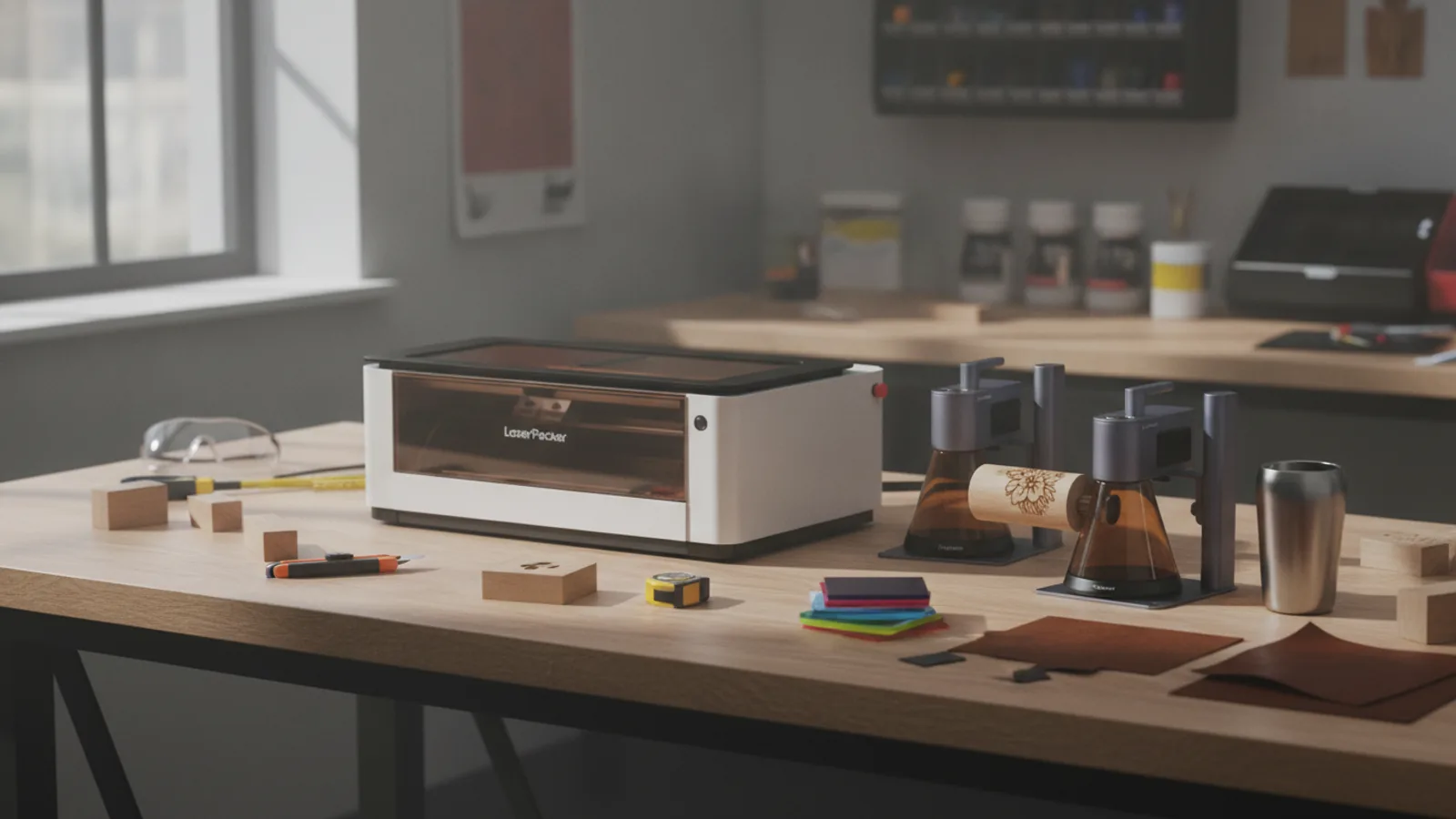
Product Range: Which LaserPecker Is Right for You?
LaserPecker’s product family can be divided into several tiers, each with distinct capabilities. Here’s a simple breakdown of the machines now listed on the official site:
- LaserPecker LP1 Plus: The pocket-sized entry point. It’s aimed at complete beginners who want to try engraving on small items like wood or leather. It offers simplicity and portability but is limited in power and speed compared to higher models.
- LaserPecker LP2 Classic: A step up with more power and a refined design. It is positioned as a pick-up-and-play option for woodworkers who need faster engraving and better output quality.
- LaserPecker LP2 Plus: Billed as 6x faster and with 2x the power of the base LP2 model. This is a solid upgrade for those who are more serious about speed and throughput.
- LaserPecker LP4: A dual-laser system that balances portability with practical output. It supports engraving on a wide range of materials and is intended for the “any project” crowd.
- LaserPecker LP5: The flagship portable with a smart 20W fiber + diode laser. This is the one to consider for metal engraving, including stainless steel and aluminum.
- LaserPecker LX2 (20W and 40W versions): The most powerful units in the current lineup. They feature enclosed designs for safety and are better suited for dedicated crafting studios or small business use. They can also cut through thin materials.
Each machine has its own set of accessories, such as rotary attachments for engraving cylindrical objects like tumblers and bottles. If you plan to work on rounded surfaces, check compatibility for your model.
What Makes LaserPecker Worth Checking Out
The main draw of LaserPecker is portability. Traditional laser engravers are bulky, need exhaust systems, and take over a whole room. LaserPecker machines are often compact enough to fit in a backpack (see the LP1 Plus) or on a small desk (LP4/LP5).
Here are key advantages that set them apart:
- Low Learning Curve: The companion app walks you through engraving basics. You can import images, adjust settings, and send projects to the laser without intensive software training.
- Versatile Material Support: Depending on the model, you can engrave on wood, leather, acrylic, stone, anodized metal, and more. The higher-end LP5 can even engrave on bare metal thanks to its fiber laser.
- Quick Setup: There is no assembly that takes hours. You place the portable unit over the object, connect, and start.
- Rotary Add-Ons: For tumblers, bottles, and mugs, LaserPecker offers rotary attachments that expand your creativity.
- US Official Store Perks: The official site lists free shipping over $69, 0% APR financing, and flexible payment via PayPal, Affirm, and Afterpay. It also mentions a 12-month warranty and optional extended warranty plans.
That said, for serious production work, you might need the larger LX2 or even an industrial-grade machine. It all depends on your volume and size tolerances.
Pros and Cons: The Honest Trade-Offs
Pros
- Compact and portable design. You can store it easily when not in use.
- Fast setup and immediate engraving. No complicated calibration.
- App-based operation for beginners.
- Dual laser options (diode + fiber) on flagship models cover more materials.
- Rotary attachments unlock cylinder engraving.
- Free US shipping on orders over $69 and flexible financing options.
- Good customer support with live chat and a 12-month warranty (as listed on the site).
Cons
- Engraving area is smaller than typical desktop laser cutters.
- Speed is slower than larger machines, especially when etching large images.
- Material thickness is limited. You can engrave but not always cut through thicker goods.
- The mobile app sometimes lacks advanced editing features compared to PC software (but you can use desktop software).
- High-end models like the LP5 and LX2 are significant investments.
- You must always check compatibility for certain materials and accessories.
Who Should Buy a LaserPecker?
LaserPecker is not a one-size-fits-all choice, but it fits several buyer profiles well:
- Hobbyists: If you’re into DIY crafts, making personalized gifts, or adding your logo to everyday items, a LaserPecker is an easy way to start without converting your garage or spare room into a workshop.
- Small Business Owners: If you run an Etsy store or local business, you can use a LaserPecker to create custom products like leather keychains, engraved tumblers, or wooden coasters. The speed might not be industrial, but it’s fast enough for batch production on the side.
- Etsy Sellers: Want to add laser-cut earrings, signage, or custom products to your shop? A LaserPecker can test the concept with low startup cost.
- Teachers and Educators: The simplicity makes it a good tool for classroom demonstrations in art, technology, or design.
- Anyone Living in Small Spaces: If you’re in an apartment, you’ll appreciate that LaserPecker doesn’t require much physical footprint.
Who Should Skip the LaserPecker?
A LaserPecker isn’t the best choice for everyone. Consider these caveats before purchasing:
- Professional Manufacturers: If you’re producing hundreds of units daily with tight precision, you need a mainstream industrial laser. A portable device will not be fast enough.
- Users Who Need Large Engraving Areas: If you plan to engrave big signs, wood panels, or full-size cutting boards, the relatively small work area of the portable models will frustrate you.
- Those Who Cut Thick Materials: LaserPecker is great at engraving, but even the LX2 models are limited on thickness. If you primarily cut 1/4-inch plywood or thicker, you are better served by a CO2 laser.
- Complete Beginners with Zero Tech Patience: Although it’s easier than some, there’s still a learning curve to calibrate focus and choose correct settings. If you expect zero calibration, look for a machine with auto-focus that is fully enclosed.
What to Check Before Buying
Because LaserPecker sells several models and each has different capabilities, it’s important to validate the details on the official product pages. Here’s a checklist to guide your research:
- Engraving Area: Confirm the exact maximum dimensions you can engrave. It varies by model.
- Laser Power and Type: Diode lasers vs. fiber lasers. Diode lasers engrave on many non-metal materials; for metal, you’ll need a fiber laser or a diode laser with specific coating.
- Compatible Materials: Not all lasers are safe on every material. Check that the model you’re considering supports the materials you want to engrave or cut.
- Cutting Capabilities: If you plan to cut through materials, review the maximum thickness for your desired material. Don’t assume that engraving and cutting are the same.
- Safety Features: Basic portable lasers usually don’t come with enclosures. The LX2 has an enclosed design, but others may need extra ventilation or safety glasses. Look for built-in safety features such as lid sensors, protective enclosures, or fume filters.
- Software and Compatibility: Does it work with your smartphone OS? Does the app offer the design features you need? Check if it supports image formats and design complexities.
- Warranty and Support: The site mentions a 12-month warranty and extended warranty plans, but double-check what is covered. Also note the customer service hours and live chat details.
- Accessory Compatibility: If you want a rotary attachment or a different module, verify it works with your machine.
Price and Value: Where Does the Investment Land?
LaserPecker pricing follows a clear ladder. The LP1 Plus is the most affordable, while the flagship LP5 and LX2 models are considerably more expensive. While exact prices vary and promotions change, you can expect the range to be anywhere from a few hundred dollars to over a thousand for the top-tier units.
For the money, you get a focused laser tool that saves you from sending out custom engraving jobs or outsourcing. Hobbyists could find that a few commissions pay off the machine. On the other hand, if you’re a beginner price-sensitive buyer, the lower-end models are an attractive way to get started.
LaserPecker also runs weekly flash sales and periodic discount events, so it’s worth checking the official site for current offers. And remember: the free shipping threshold and financing options on us.laserpecker.net can reduce the overall upfront cost.
Delivery, Returns, and Policy Checks
Before purchase, you should review the specific delivery and return info from the official page. Based on available details, the US site currently advertises free shipping on orders over $69 and mentions a 12-month warranty.
Here are a few specifics to look for:
- Shipping Time: Confirm estimated delivery dates and whether in-stock items ship quickly.
- Return Window: Check whether you can return a machine within a certain number of days and under what conditions (opened vs. unopened).
- Warranty Coverage: The standard warranty may cover manufacturing defects, but extended plans are available for additional cost. Understand the claims process and who handles it.
- International Shipping: If you’re purchasing outside the United States, you might be directed to a regional store. Ensure you are on the correct site for your location.
Always check the checkout page or service policy for the most up-to-date information.
How We Reviewed LaserPecker
This review is based on public product information, manufacturer claims, and common knowledge among laser engraving enthusiasts. We did not undertake hands-on lab testing of every LaserPecker machine. Instead, we analyzed the entire product lineup, typical capabilities, user experience reports from maker communities, and the official US store presentation.
We focused on the criteria that matter most to shoppers: ease of use, feature differences among models, appropriateness for various skill levels and use cases, and value for money.
If you are looking for more technical specifications, we recommend visiting the official product pages and reading the newest user forums for real-world experience. This keeps your decision grounded in current data.
Final Buying Advice
Before you choose a LaserPecker, think about your primary use case:
-
If you want to experiment with engraving without a big investment, the LP1 Plus or LP2 are sensible starting points.
-
If you intend to use the laser regularly to engrave a variety of items quickly, the LP4 with its dual-laser capability is a balanced choice.
-
If you need true metal engraving and are willing to spend more for cutting-edge portability, the LP5’s fiber laser is designed for that.
-
For those who plan to run a micro business from home, the LX2 with its enclosure might be more appropriate.
Whatever you select, verify that you have adequate ventilation and consider a fume extractor, particularly for resin-based materials that produce harmful fumes. Also, practice on scrap pieces before working on final projects.
Frequently Asked Questions
Is LaserPecker suitable for engraving metal?
Only certain models with a fiber laser, such as the LP5, can engrave bare metal. Diode lasers require pre-coated metal surfaces.
Does LaserPecker work with thick materials?
LaserPecker is primarily for engraving and thin cutting. Cutting thicker wood or acrylic is limited, so check model-specific specs.
Do I need a computer to use LaserPecker?
Most models work with a mobile app, but you may also use desktop software for more advanced designs and settings.
Is LaserPecker safe to use indoors?
Portable lasers don't come with full enclosures. You should use proper safety glasses and ensure proper ventilation or use an extractor.
BestWebShops may earn a commission when readers buy through affiliate links. Recommendations remain editorially independent.